
Select the model you want to generate your image with.
AI Style Transfer Free Online
Upload your photo, add a reference image, and start transforming your style in seconds.
Your Generated Images
How To Change Image Style With Bylo.ai’s Free AI Style Transfer
Follow these simple steps to get started with our platform.
Upload Your Original Image
Upload the photo you want to transform. Portraits, pets, products, and landscapes all work well when the subject is clear.
Upload Your Style Reference Image
Add a second image that represents the visual style you want to apply. This can be an artwork, illustration, photography aesthetic, or any image whose look you want to follow.
Generate Your AI Style Transfer Result and Download
Generate your AI Style Transfer result and receive a new image that keeps the original subject while adopting the visual character of your reference. Download the final image once it looks right for your use.
Key Features Of Bylo AI Style Transfer
Fast AI Style Transfer Free Using Your Own Reference Image
Bylo.ai’s AI Style Transfer keeps the process simple and direct. Upload your photo, upload a style reference image, and get a stylized result within seconds. This makes it easy to test different visual directions quickly when working on creative ideas or refining a specific look.
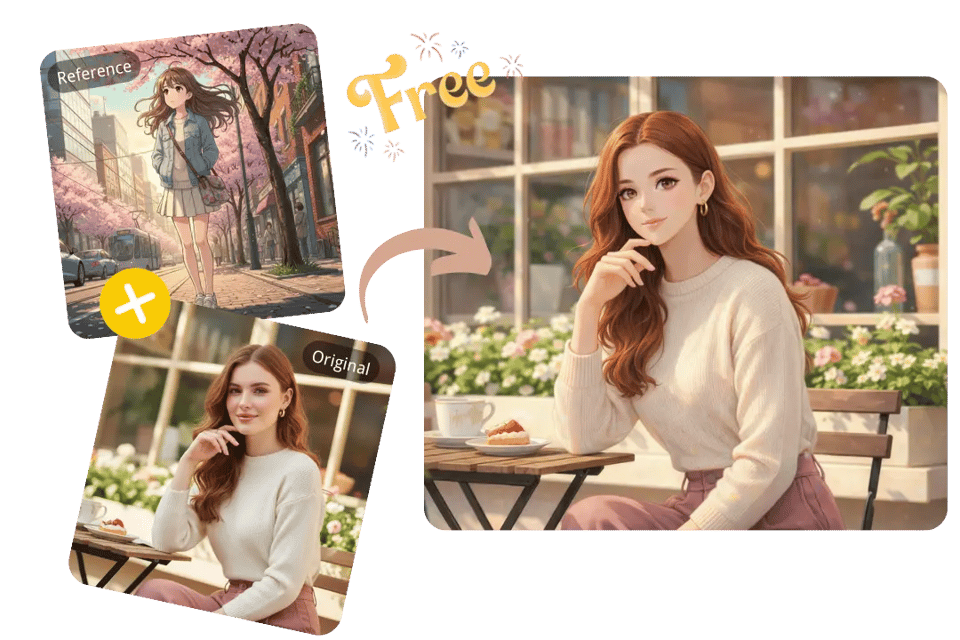
Reference-Based AI Image Style Transfer for Custom Visual Styles
With Bylo.ai’s AI Image Style Transfer, the reference image you upload defines the final aesthetic. A painting, illustration, photography style, or design example can guide the result, so the output reflects your own visual taste rather than relying on generic preset filters.
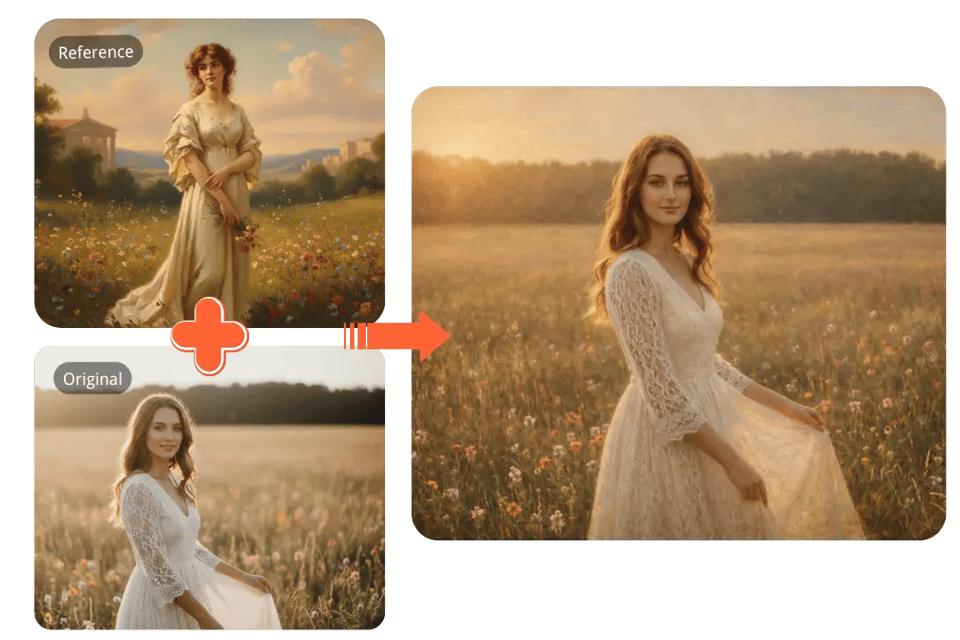
AI Style Changer That Keeps Faces and Composition Stable
Bylo.ai works as an AI Style Changer that focuses on changing visual style without breaking the original image. Faces remain recognizable, poses stay consistent, and key details are preserved, helping the final image stay clean and usable instead of distorted.
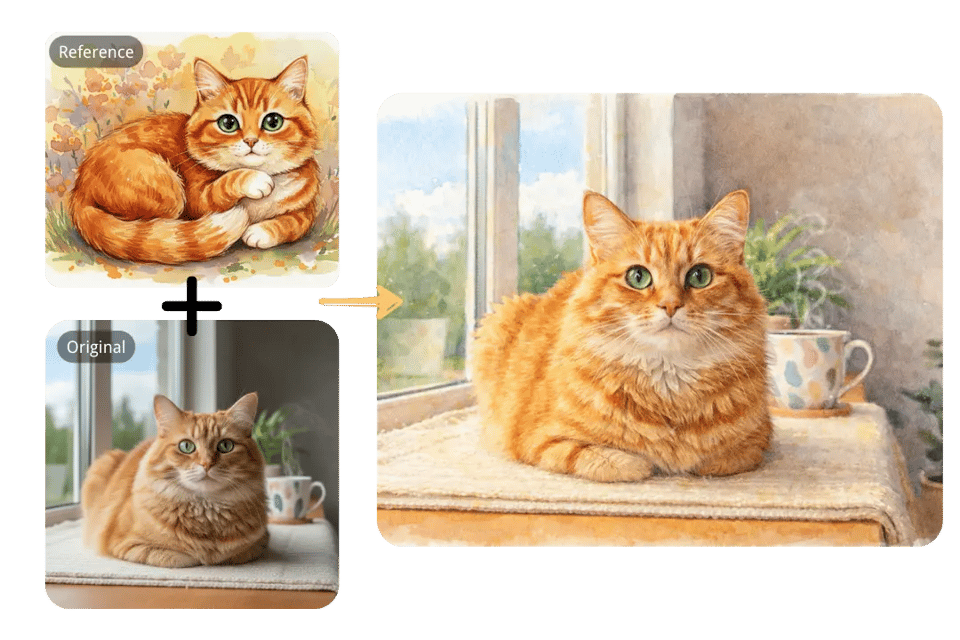
Simple Two-Image AI Style Transfer Without Presets or Controls
Bylo.ai’s AI Style Transfer uses a minimal workflow: one original image and one reference image. There are no built-in style libraries and no sliders to adjust. The reference image defines the direction, keeping the experience clear, predictable, and easy to use.
See What You Can Create with AI Image Style Transfer
With Bylo.ai’s AI Image Style Transfer, we make it easy to explore different visual directions using your own reference images. Upload an original photo, pair it with a style reference, and see how the same image can take on completely different moods and artistic character while the subject remains consistent.
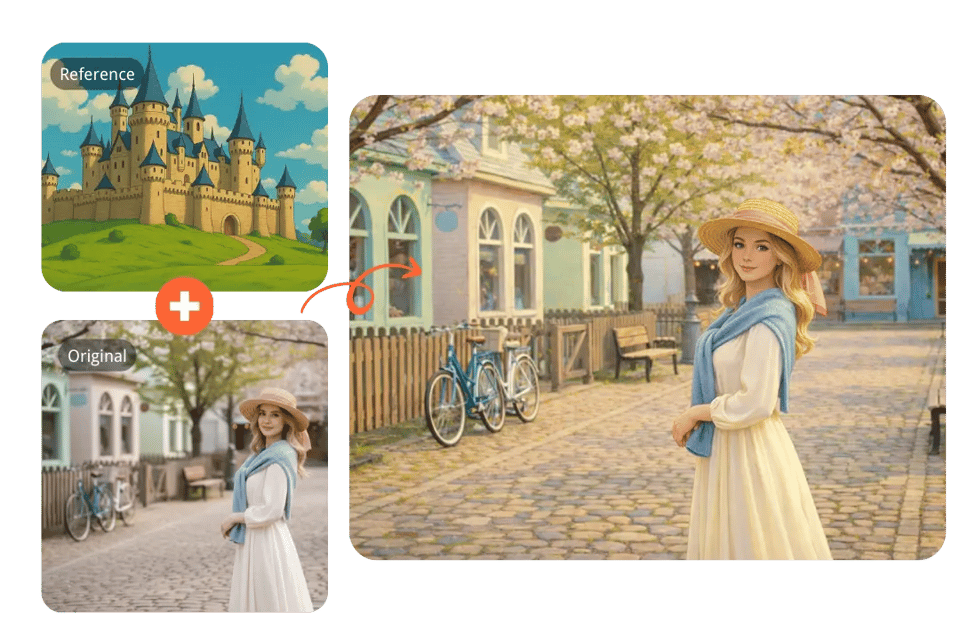
Ghibli Style Transfer
Use a Studio Ghibli reference image to apply soft colors, gentle lighting, and a hand-painted feel. The original subject, composition, and facial features remain intact.
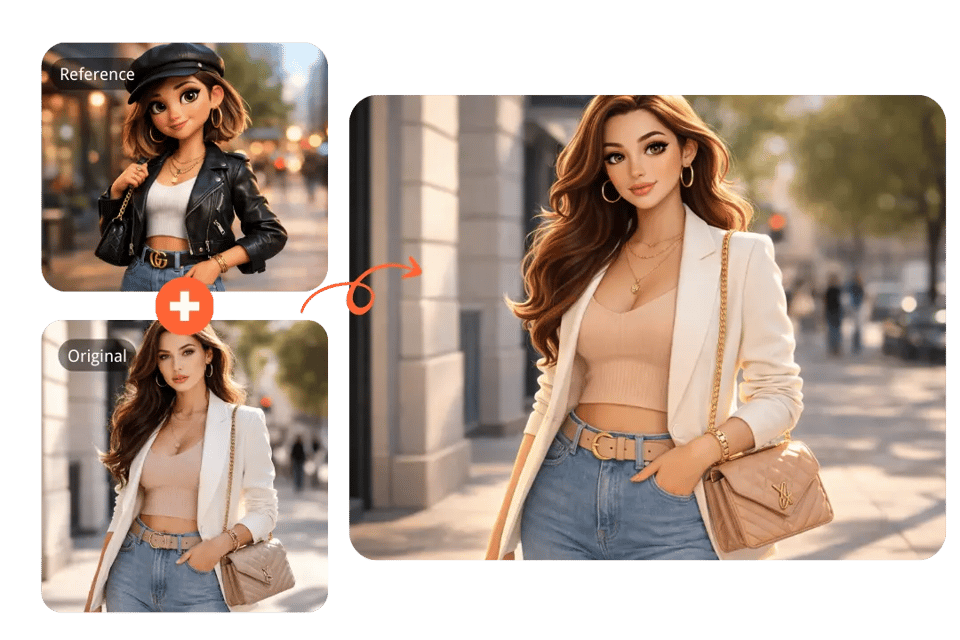
3D Cartoon Style Transfer
Apply a high-quality 3D cartoon aesthetic using a suitable reference image. Smooth shading, clean lighting, and a polished animated look appear while keeping proportions consistent.
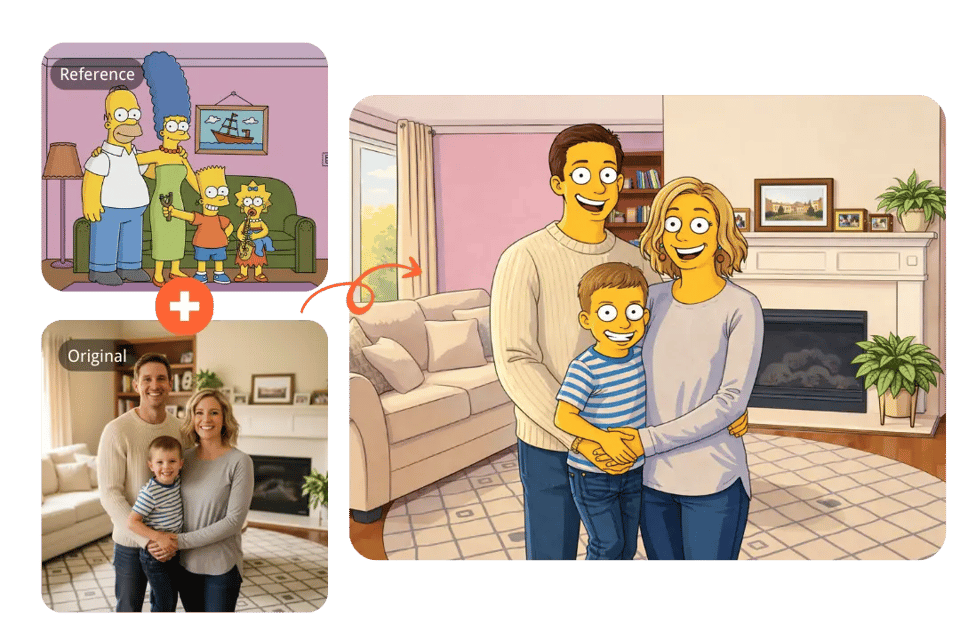
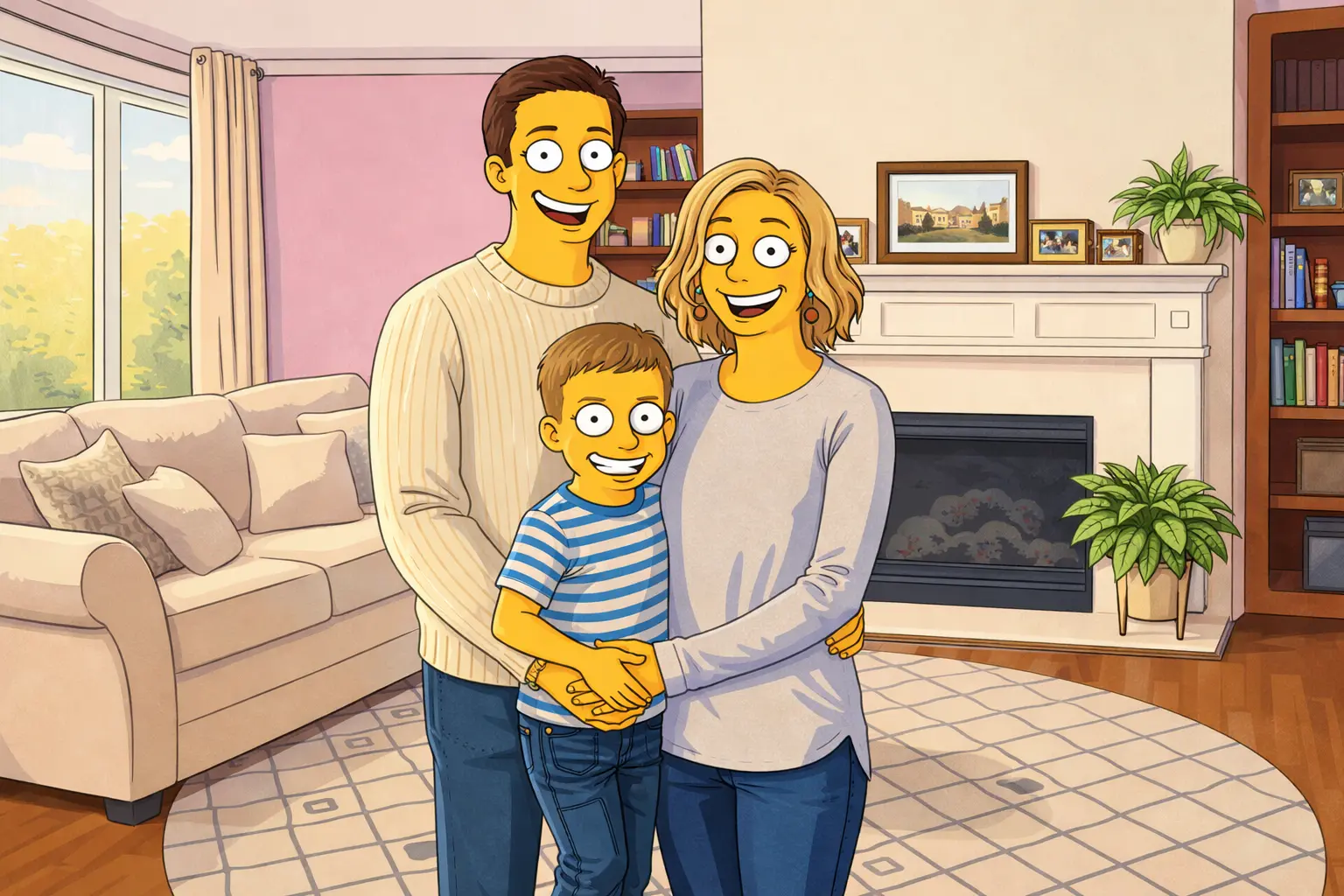
Simpson-Style Transfer
Use a Simpsons-style reference to introduce bold outlines and flat color blocks. Facial structure, pose, and key details stay recognizable while adopting the iconic cartoon look.
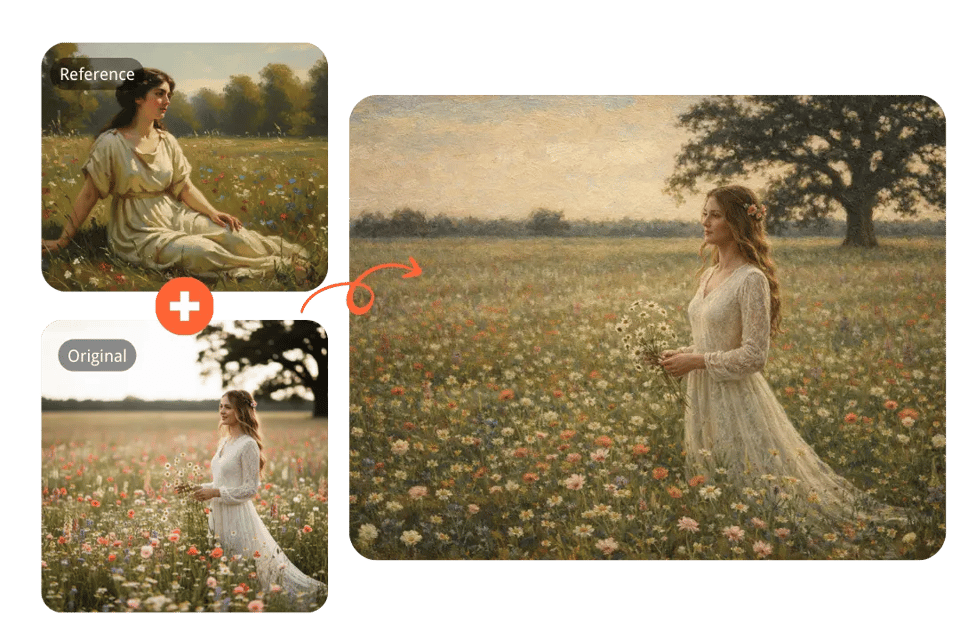
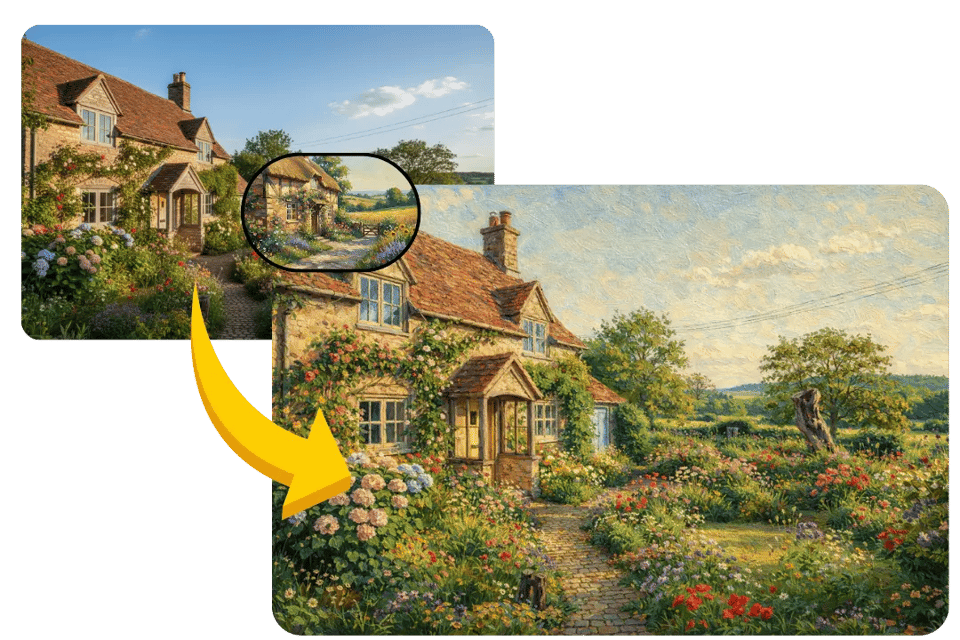
Oil Painting Style Transfer
Apply a classical oil painting reference with visible brushstrokes and natural color blending. Composition and lighting remain stable while the image gains a painterly atmosphere.
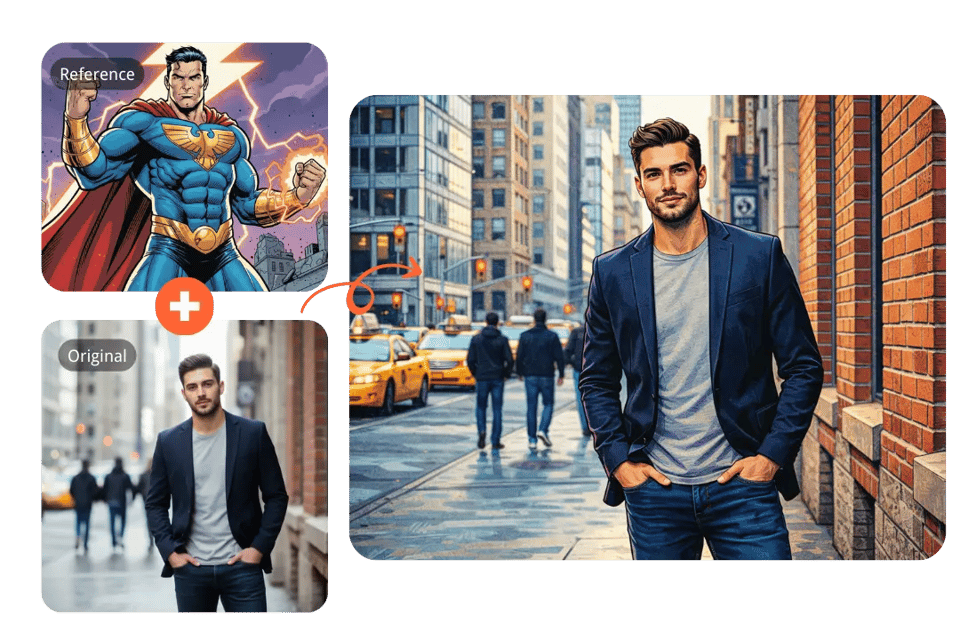
American Comics Style Transfer
Follow a comic-style reference image to bring in stronger linework, dynamic contrast, and vivid tones. Expressions and scene structure stay consistent with the original photo.
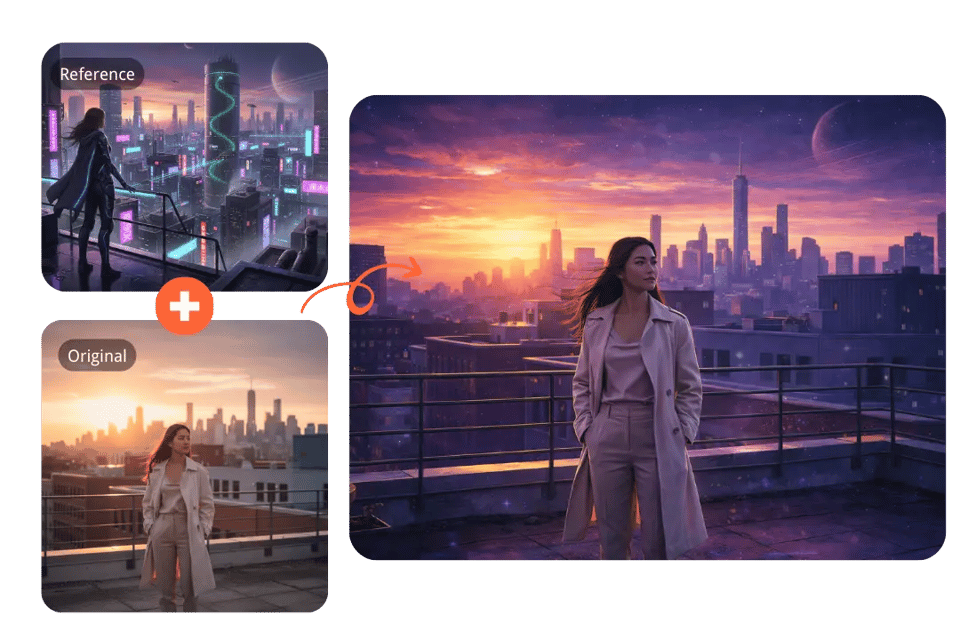
Sci-Fi Style Transfer
Use a futuristic reference image to introduce neon lighting, cinematic mood, and advanced visual effects. The subject and structure remain clear while the environment feels more imaginative.
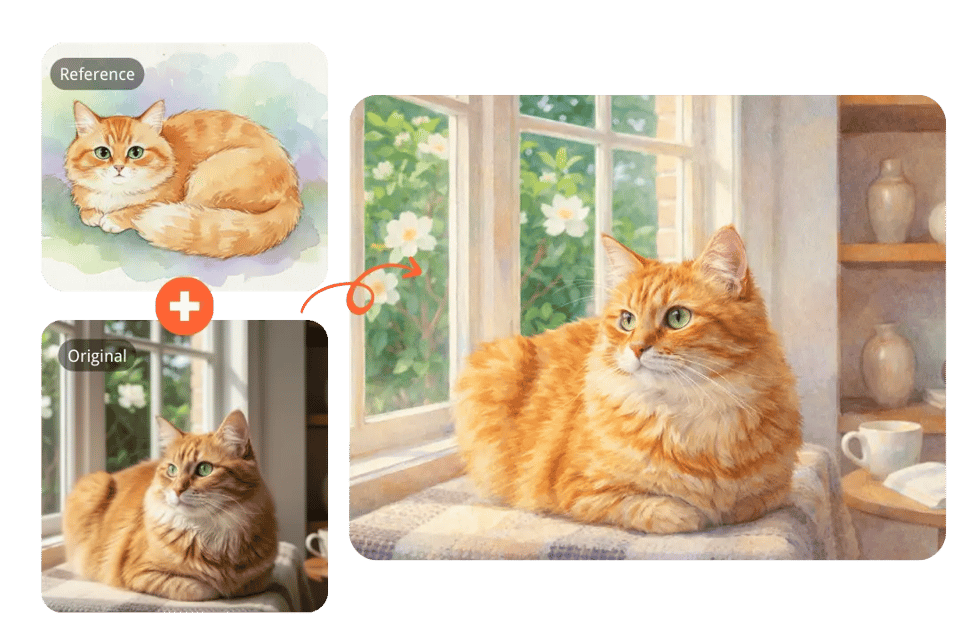
Watercolor Style Transfer
Apply a watercolor-style reference to create soft textures, light washes, and delicate transitions. The result feels artistic while preserving the original scene.
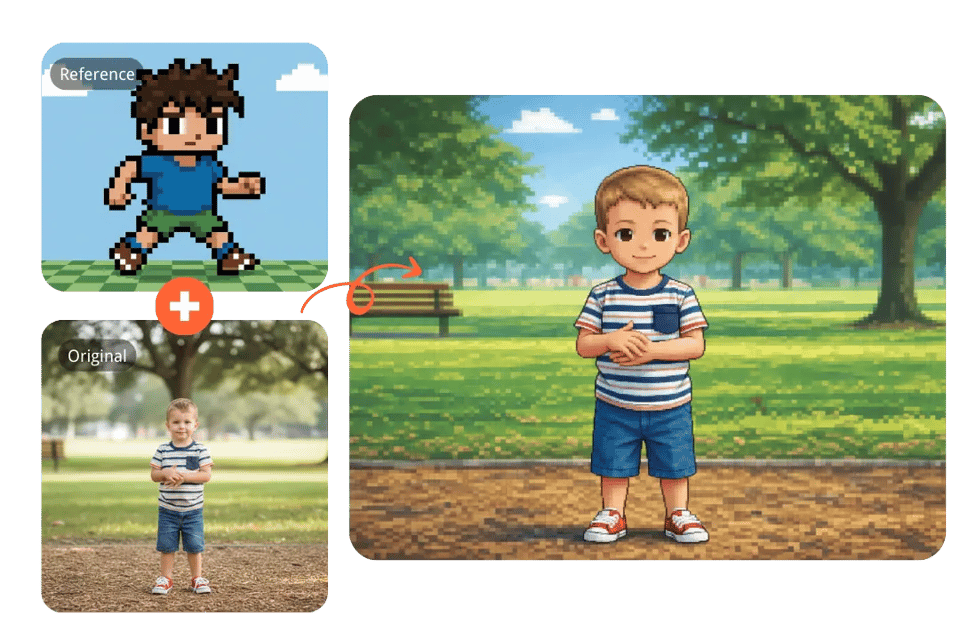
Pixel Art Style Transfer
Use a pixel-style reference image to convert your photo into a retro, block-based aesthetic. Shapes stay readable while the visual language shifts toward classic pixel art.
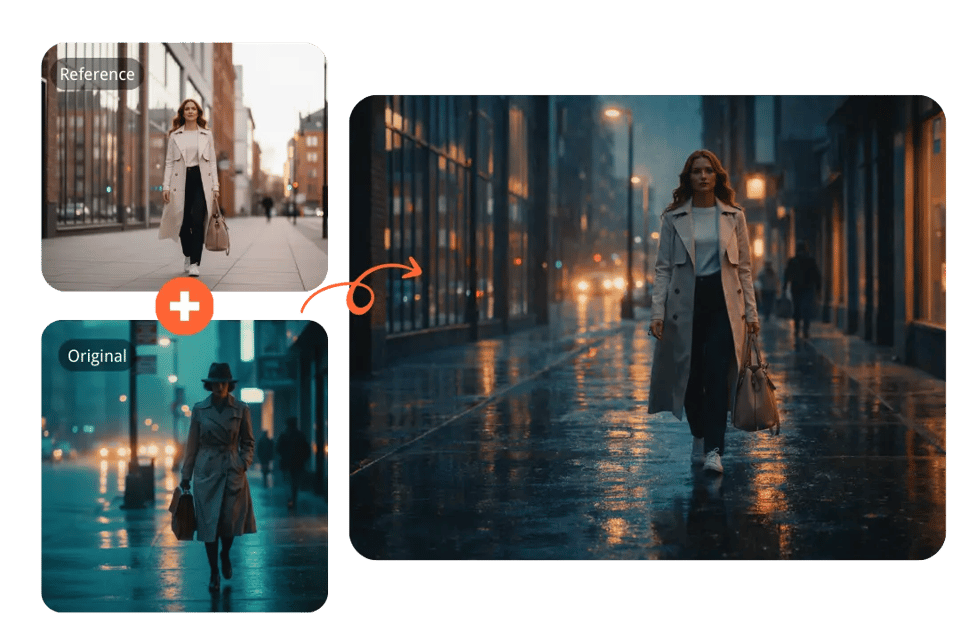
Cinematic Style Transfer
Apply a cinematic reference image to introduce film-like color grading, lighting depth, and atmosphere. The scene remains natural but gains a more dramatic visual tone.
Turn Everyday Photos into Distinct Visual Styles with Bylo.ai's Free AI Style Transfer
AI Image Style Transfer for Expressive Portrait Looks
We use AI Image Style Transfer to explore different visual directions for portraits. By pairing a portrait with a chosen reference image, mood, color treatment, and overall aesthetic can shift while facial identity and structure remain consistent.
AI Style Transfer for Consistent Social Media Visuals
For creators and brands, AI Style Transfer helps maintain a cohesive look across multiple posts. Using the same reference image across different photos keeps feeds, campaigns, and content series visually aligned without manual editing.
AI Style Changer for Branded Product and Marketing Images
Our AI Style Changer can be used to apply a specific aesthetic to product photos by following a visual reference. This supports ecommerce visuals, brand assets, and presentation materials while keeping product details clear.
AI Image Style Transfer for Creative Exploration and Concepts
AI Image Style Transfer is also useful when exploring ideas. By changing only the reference image, the same photo can evolve into multiple visual interpretations—supporting concept development, inspiration, and experimentation.